
Xubuntu 系统安装 Hermes Agent 快速指南
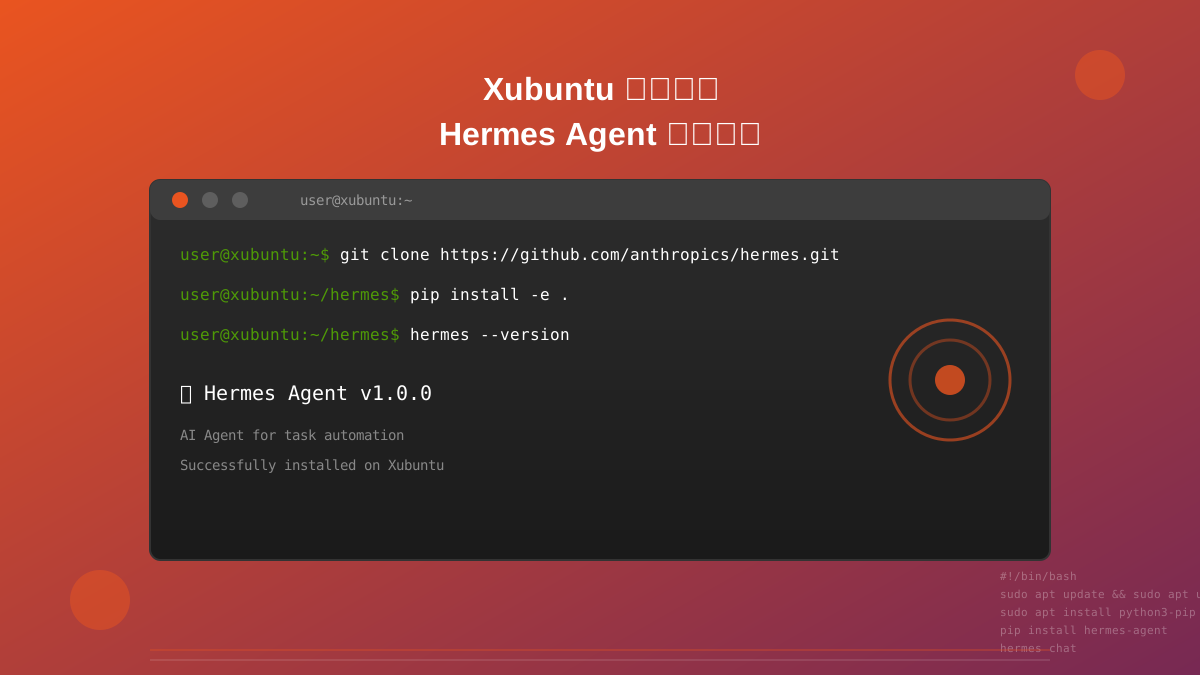
本指南将帮助你在 Xubuntu 系统上快速安装和配置 Hermes Agent。
1. 系统要求
- 操作系统:Xubuntu 20.04 LTS 或更高版本
- Python 版本:3.8 或更高
- 内存:至少 4GB RAM
- 磁盘空间:至少 2GB 可用空间
2. 安装依赖
首先更新系统包并安装必要的依赖:
sudo apt update
sudo apt upgrade -y
sudo apt install -y python3 python3-pip python3-venv git curl
3. 安装 Node.js
Hermes Agent 需要 Node.js 环境:
# 使用 NodeSource 仓库安装 Node.js 20
curl -fsSL https://deb.nodesource.com/setup_20.x | sudo -E bash -
sudo apt install -y nodejs

# 验证安装
node --version
npm --version
4. 克隆 Hermes 仓库
# 克隆仓库
git clone https://github.com/anthropics/hermes.git
cd hermes

# 或者使用国内镜像
git clone https://gitee.com/mirror/hermes.git
cd hermes
5. 创建虚拟环境
# 创建 Python 虚拟环境
python3 -m venv venv

# 激活虚拟环境
source venv/bin/activate
6. 安装 Python 依赖
# 升级 pip
pip install --upgrade pip

# 安装项目依赖
pip install -r requirements.txt
7. 配置 API 密钥
创建环境变量配置文件:
# 创建 .env 文件
cat > .env << 'EOF'
# Anthropic API 配置
ANTHROPIC_API_KEY=your_api_key_here

# 或者使用其他提供商
OPENAI_API_KEY=your_openai_key
GEMINI_API_KEY=your_gemini_key
EOF

# 或者临时设置环境变量
export ANTHROPIC_API_KEY="your_api_key_here"
8. 安装 Hermes Agent
# 开发模式安装
pip install -e .

# 或者全局安装
pip install .
9. 验证安装
# 检查 Hermes 版本
hermes --version

# 运行测试
hermes test

# 查看帮助
hermes --help
10. 运行 Hermes
# 交互模式
hermes chat

# 执行脚本
hermes run script.py

# 后台运行
hermes serve --port 8080
常见问题
问题 1: 权限错误
如果遇到权限错误,使用以下命令:
sudo chown -R $USER:$USER ~/.hermes
chmod +x /path/to/hermes
问题 2: 依赖冲突
如果遇到依赖冲突,尝试:
# 清除 pip 缓存
pip cache purge

# 重新安装依赖
pip install --force-reinstall -r requirements.txt
问题 3: 网络连接问题
如果无法访问 GitHub 或 PyPI:
# 使用国内镜像
export PIP_INDEX_URL=https://pypi.tuna.tsinghua.edu.cn/simple
git clone https://gitee.com/mirror/hermes.git
11. 可选配置
配置 Desktop 快捷方式
cat > ~/.local/share/applications/hermes.desktop << 'EOF'
[Desktop Entry]
Name=Hermes Agent
Comment=AI Agent for task automation
Exec=/path/to/hermes/venv/bin/hermes chat
Icon=utilities-terminal
Terminal=true
Type=Application
Categories=Utility;Development;
EOF

# 刷新桌面数据库
update-desktop-database ~/.local/share/applications
配置 Systemd 服务
sudo cat > /etc/systemd/system/hermes.service << 'EOF'
[Unit]
Description=Hermes Agent Service
After=network.target

[Service]
Type=simple
User=$USER
WorkingDirectory=/path/to/hermes
ExecStart=/path/to/hermes/venv/bin/hermes serve --port 8080
Restart=always

[Install]
WantedBy=multi-user.target
EOF

# 启用并启动服务
sudo systemctl daemon-reload
sudo systemctl enable hermes
sudo systemctl start hermes
下一步
安装完成后,你可以:
- 阅读 官方文档
- 查看 示例代码
- 加入 Discord 社区
- 提交 Issue 或 PR
参考资源
最后更新:2026-05-04